A QR Code Menu for Your Restaurant.

Customers scan the code at their table and see your full menu with photos, prices and allergens. No app to download.
How It Works

Three steps from sign-up to a menu your customers can open.

  1. 1. Create a Free Account

    Sign up, then add your restaurant's name and logo.

  2. 2. Build Your Menu

    Pick dishes from our ready-made menu library, import them from Excel, or type your items in.

  3. 3. Print Your QR Code

    Download your QR code, print it and put it on your tables.

What Your Menu Can Do

  • No App to Download

    Customers scan the code with their phone's camera and the menu opens in the browser. Nothing to install, no account to create.

  • Ready-Made Menu Library

    Add common dishes with a photo, a description and their allergens, then set your own price.

  • Excel and CSV Import and Export

    Bring in the menu you already have as a spreadsheet, and download it again whenever you like.

  • Big 9 Allergen Labels

    Mark each item with the Big 9 allergens, so customers with food allergies see them next to the dish.

  • Favorites and Basket

    Customers save the dishes they like and put together what they plan to order, on their own phone.

  • Your Own Colors and Layout

    On Premium, pick your colors and a Grid, List or Compact layout, and show your categories as Category Cards with large photos.

Make It Yours

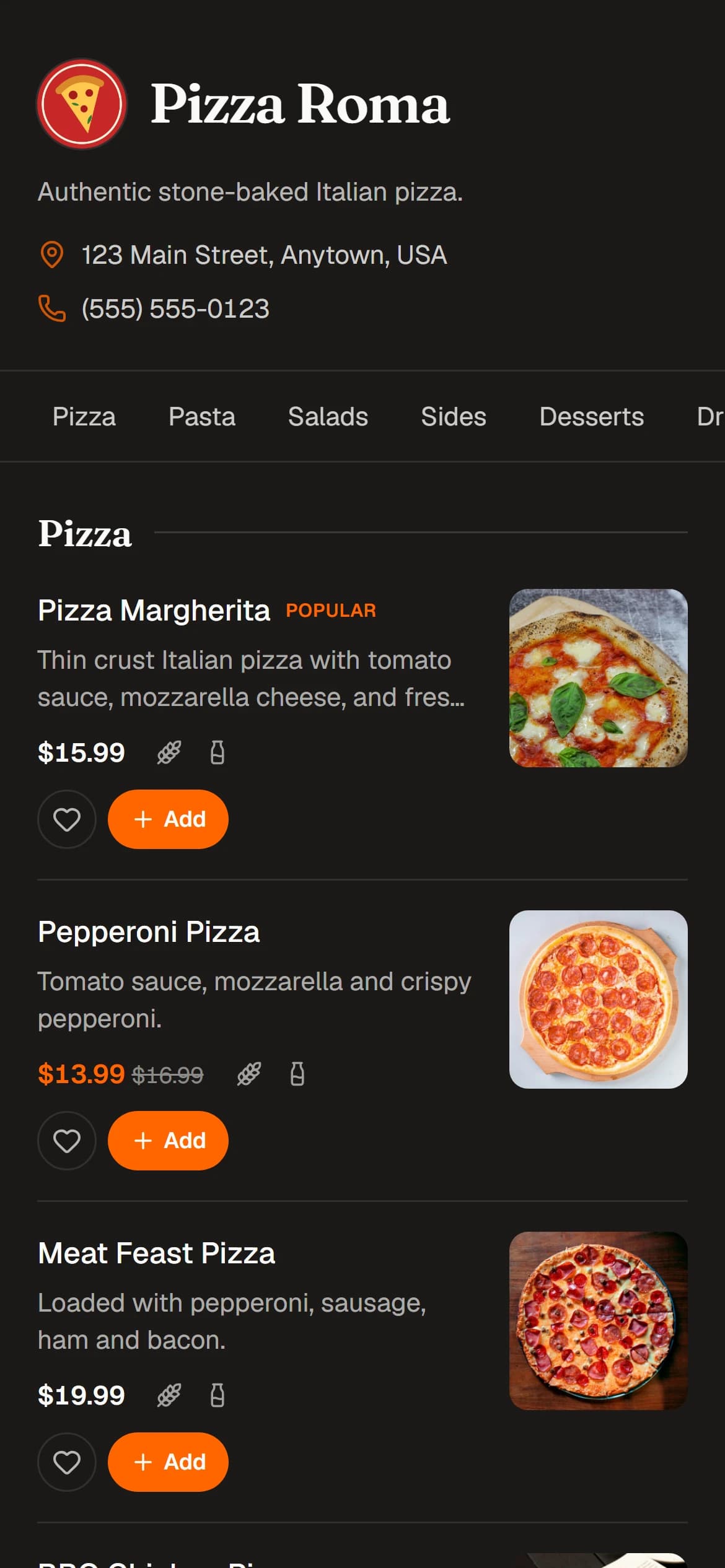
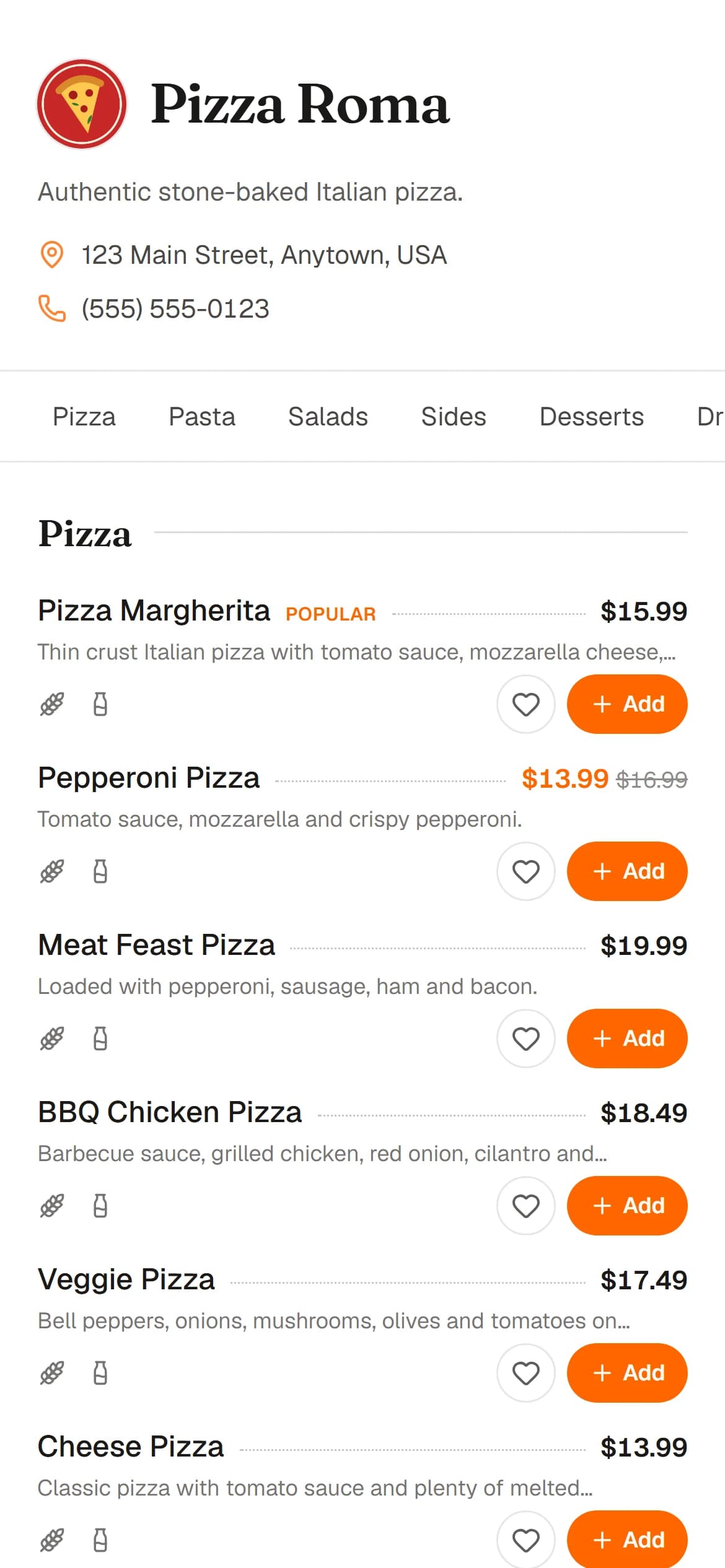
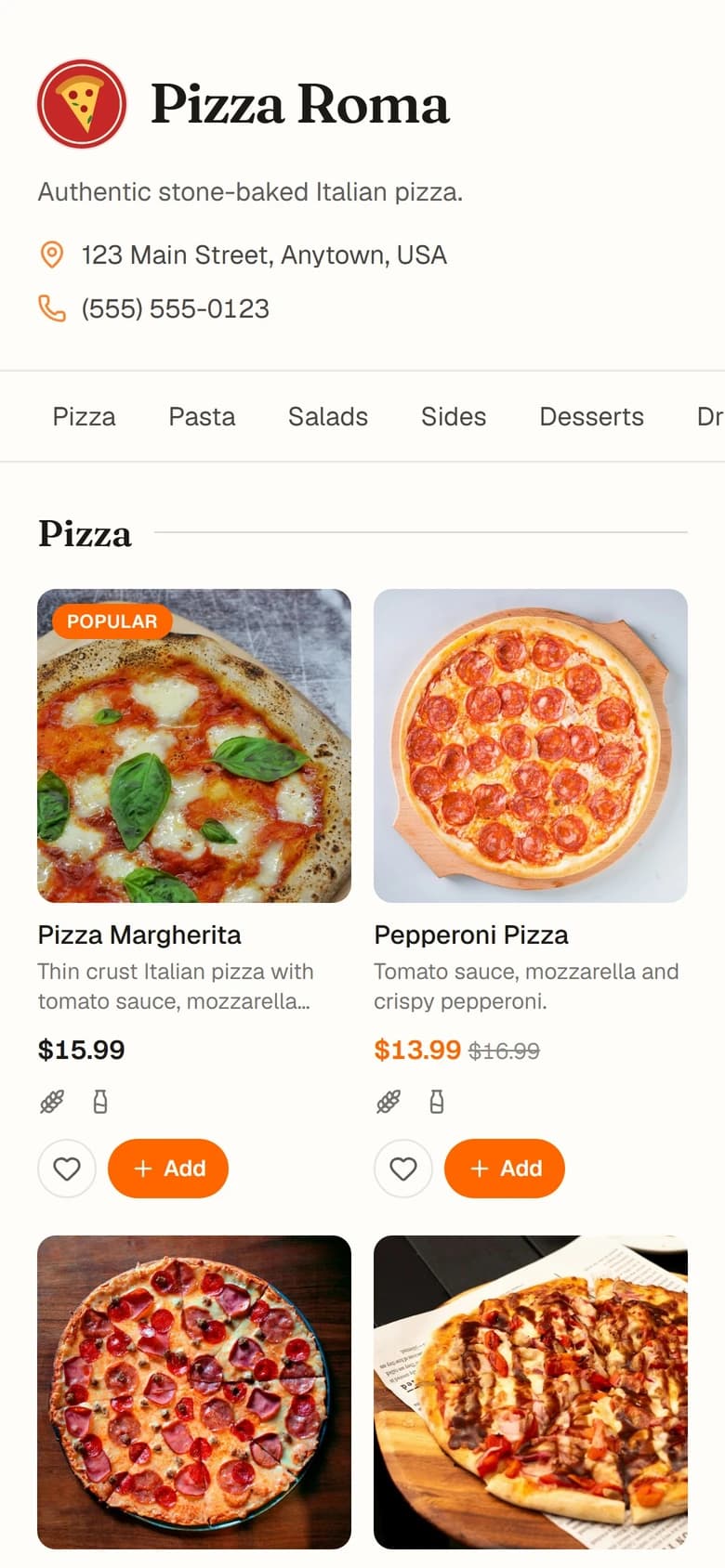
One menu, three looks. Choose the colors and layout that suit your restaurant.
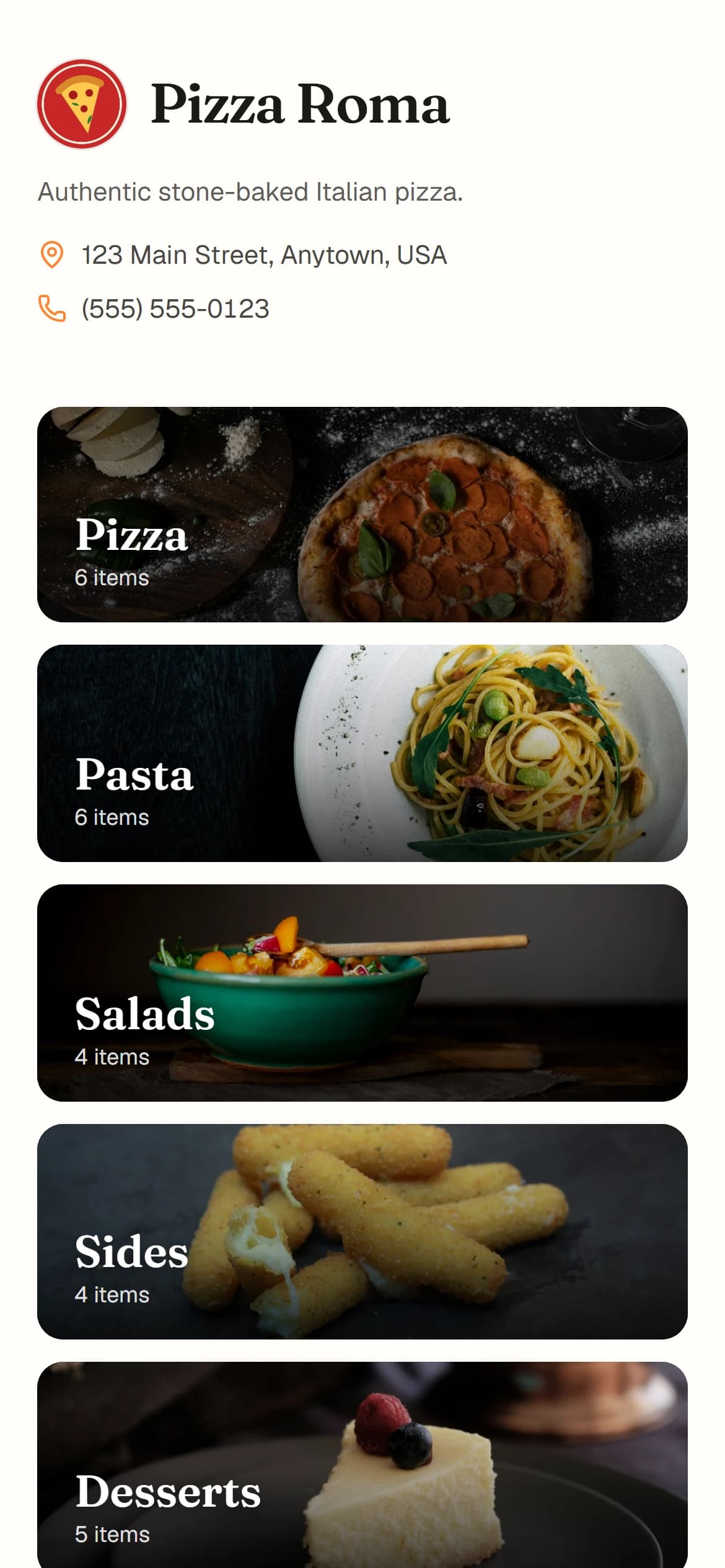
  • The Pizza Roma menu with Category Cards
  • The Pizza Roma menu in a dark List layout
  • The Pizza Roma menu in a light Compact layout

Start for Free

Upgrade to Premium when you want more items and your own look.

Free

$0

Up to 3 categories and 15 menu items, with photos, prices and allergens.

Premium

$9.99/month

Unlimited categories and menu items, your own colors and layout, and Category Cards. Or $8/month billed yearly, and save 20%.